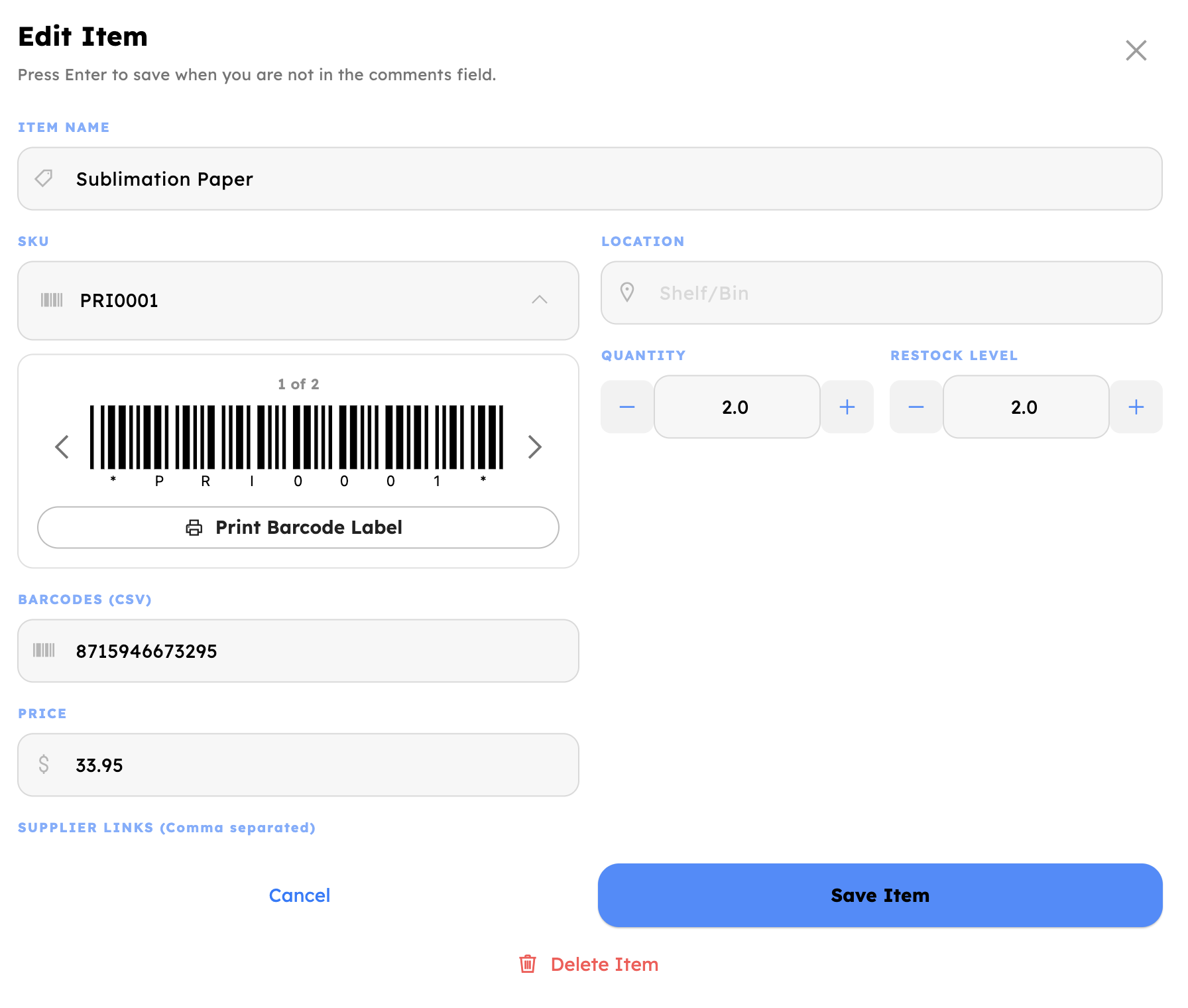
Set the quantity
Leave it blank and it defaults to 1, so the line never stalls.
Scan the barcode
Built-in camera, or any USB or Bluetooth scanner you already own.
Deduct & sync
Updates instantly, and auto-saves to Google Sheets in about a second.
Scan with the camera you already have, or any barcode scanner. The tablet or phone's camera reads barcodes instantly, and any USB or Bluetooth scanner you already own works too.
Every deduction has a name on it. Staff sign in with their own PIN, so each scan is tracked by user.
Counts stay trustworthy. Quantity is never allowed to go negative.
Multiple barcodes per item. Comma-separated codes are recognized automatically as scanners send them.
Google Workspace Integration
Easily integrates and syncs with Google Sheets.
Stock Up Manager is a fully standalone app — it works completely on its own, storing everything locally on your device. But when you want visibility across your team, it syncs straight up to a Google Sheet with one tap. No new database to learn, no migration, and no separate login. The same tool your team already opens every day becomes your live inventory dashboard.
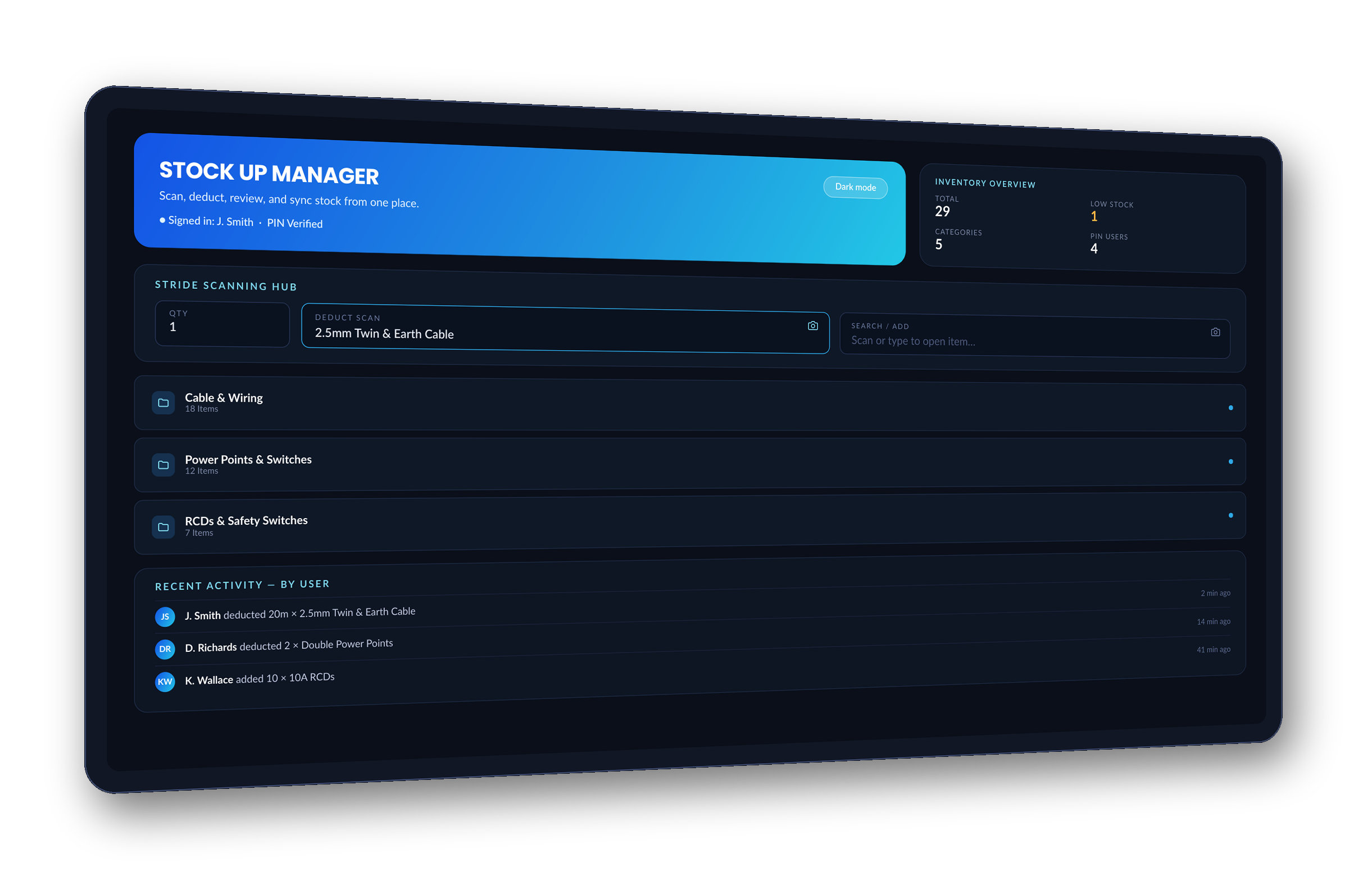
Nothing new to learn. Your team already knows Google Sheets — there's no separate dashboard or app to train anyone on.
Open it anywhere. Phone, laptop, or tablet — the same way you already share sheets today.